 ToolTasted
Is SuperWhisper Worth It for Developers? Modes, Automation, and Workflow Setup (2025)
Some links may earn a commission if you subscribe, at no extra cost to you. Commercial relationships do not determine the recommendation; we state the constraints and alternatives.
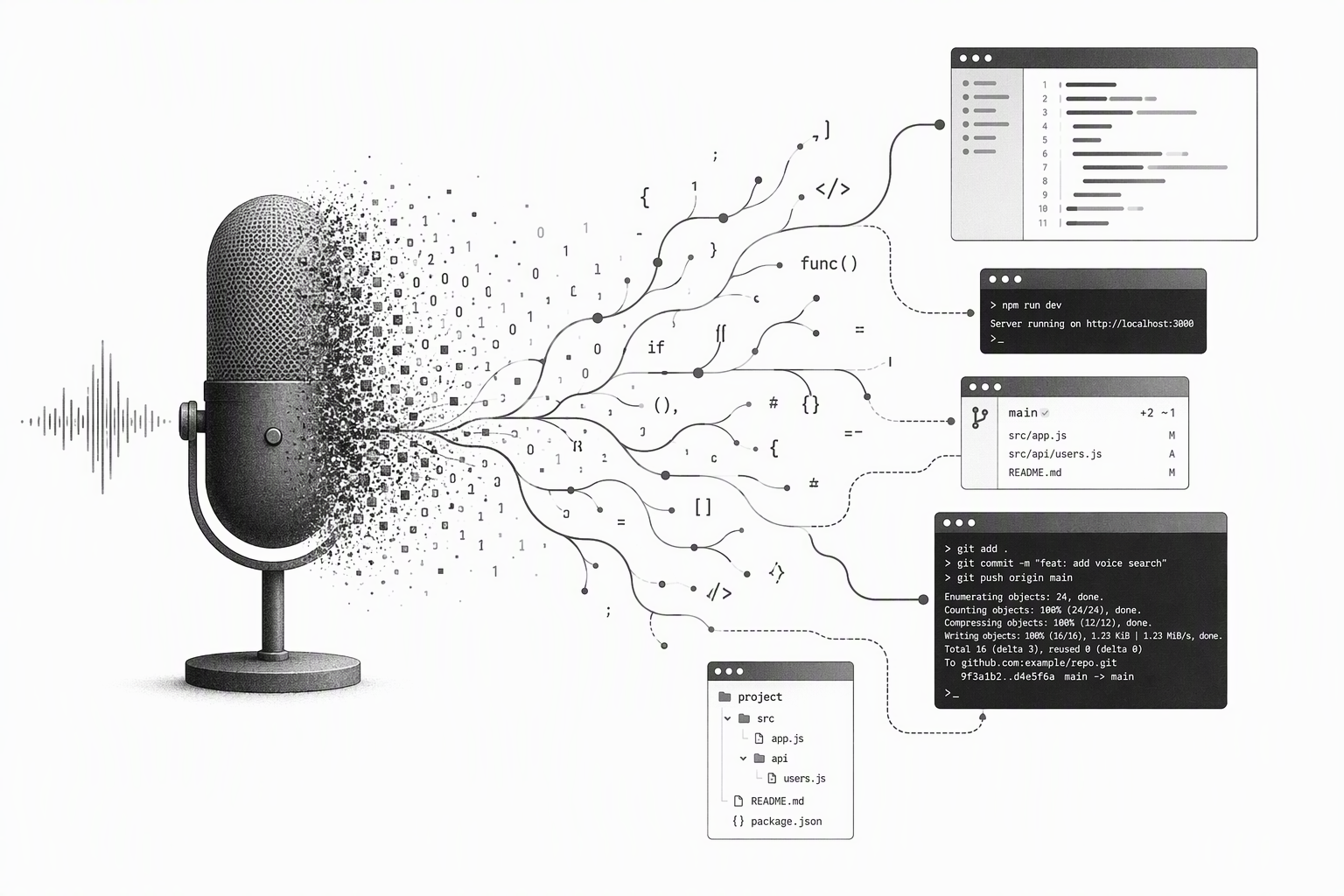
SuperWhisper Pro ($8.99/month or $79 one-time) is worth it for developers because of its Mode system — each Mode bundles a transcription model, an LLM cleanup prompt, and a dedicated hotkey, so you can have one shortcut for git commits, another for code comments, and another for Slack messages with zero context-switching friction. The Free tier gives you local-only transcription with up to 3 Modes. It works system-wide in any app: Xcode, VS Code, Cursor, Terminal, Zed, and Neovim.
What are SuperWhisper Modes, and why do developers care?
Most dictation tools treat every transcript the same: audio in, raw text out. SuperWhisper Modes change that. A Mode is a named configuration with four parts:
- Transcription model — local Whisper (offline, private) or cloud GPT-4o (more accurate)
- Post-processing prompt — an LLM instruction applied after transcription (Pro only)
- Keyboard shortcut — a unique hotkey that activates this Mode directly
- Language — auto-detect or pinned to a specific language
The result: press one hotkey and the output is already formatted for the task at hand. According to SuperWhisper's official documentation, Pro gives you unlimited Modes; the Free tier caps at 3.
How to set up the four most useful developer Modes
These examples come directly from SuperWhisper's documentation. Set them up under Settings → Modes → New Mode.
Git commit Mode (hotkey: ⌘⌥C) Post-processing prompt: "Take this dictated text and rewrite it as a conventional git commit message (type: subject, max 72 chars). Output only the commit message."
This pairs well with a voice-to-text workflow for commit messages — dictate the change in plain language and SuperWhisper formats it as a proper feat: or fix: commit.
Code comment Mode (hotkey: ⌘⌥K) Prompt: "Rewrite as a clear, concise code comment. Remove filler words. Use imperative mood for function-level comments."
Cursor / AI prompt Mode (hotkey: ⌘⌥P) Prompt: "Clean up filler words, correct technical terms, and format as a structured AI prompt with numbered steps." See the full guide on using voice dictation for Cursor AI prompts for more depth.
Markdown note Mode (hotkey: ⌘⌥N) Prompt: "Convert to structured markdown with headers, bullets, and code blocks where appropriate."
Assign distinct hotkeys to each Mode so they fire instantly without opening a menu. The default global hotkey is ⌥Space (Option + Space).
How accurate is SuperWhisper for developer vocabulary?
Our developer dictation benchmark tested SuperWhisper against Wispr Flow and macOS built-in dictation on a 200-word technical vocabulary corpus — function names, CLI flags, and package names. Results:
| Model | Accuracy | Latency | |-------|----------|---------| | SuperWhisper Pro (cloud GPT-4o) | 97.2% | ~2.5s | | SuperWhisper Free (local Whisper Large) | 93.8% | ~1.5s | | Wispr Flow Pro | 93.8% | ~2.0s | | macOS built-in | 88.1% | ~0.5s (streaming) |
The cloud model is 3.4 percentage points more accurate than local on developer vocabulary. Local is faster at ~1.5s end-to-end and works fully offline. For terms like useEffect, --no-cache, or git rebase -i, the cloud model's advantage is noticeable.
Can you automate SuperWhisper from Terminal, Raycast, or Alfred?
Yes. SuperWhisper exposes URL schemes that work from any automation tool, per the official docs:
# Start dictation with the default mode
open superwhisper://start

# Start with a specific named mode
open superwhisper://start?mode=git-commit

# Stop dictation
open superwhisper://stop
In Raycast, create a Script Command calling open superwhisper://start?mode=git-commit. In Alfred, wire it to a keyword trigger. SuperWhisper also exposes its actions to Apple Shortcuts — you can build a Shortcut that starts a specific Mode when you connect headphones or open a specific app.
This makes SuperWhisper the only macOS dictation tool with meaningful CLI-level automation as of October 2026.
How does SuperWhisper compare to Wispr Flow for developer workflows?
See the full SuperWhisper vs Wispr Flow comparison for a detailed breakdown. For developers, the short version:
- SuperWhisper wins on Mode system, local/offline model, URL scheme automation, and per-Mode LLM cleanup prompts.
- Wispr Flow wins on system-wide friction (it works everywhere without any Mode setup) and has a more generous base free tier.
- Developer needing structured, context-specific output: SuperWhisper.
- Developer wanting fast accurate dictation everywhere with minimal setup: Wispr Flow.
See the full SuperWhisper review for a complete features-and-pricing breakdown.
What does SuperWhisper cost for developers?
| Plan | Price | Modes | LLM post-processing | Transcript history |
|------|-------|-------|--------------------|--------------------|
| Free | $0 | 3 | No | 7 days |
| Pro | $8.99/month | Unlimited | Yes (GPT-4o) | Unlimited |
| Pro | $72.99/year | Unlimited | Yes (GPT-4o) | Unlimited |
| Pro (lifetime) | $79 one-time | Unlimited | Yes (current major version) | Unlimited |
Prices verified October 2026. Check superwhisper.com/pricing for the latest. At $79 vs. $8.99/month, you break even on the lifetime purchase after about 9 months of a monthly subscription.
Requires macOS 14 (Sonoma) or later. Apple Silicon and Intel both supported.
Frequently Asked Questions
Does SuperWhisper work in Neovim or Zed? Yes. According to SuperWhisper's documentation, it works in any app that accepts text input — including Zed and Neovim in insert mode — by injecting text at the cursor position system-wide.
How many custom Modes does the Free tier allow? Three. The Pro plan (from $8.99/month) gives you unlimited Modes plus LLM post-processing on each one.
Can I use SuperWhisper fully offline? Yes. The local Whisper Large model runs entirely on-device. No internet connection required. The cloud GPT-4o model (Pro only) requires internet.
Is the $79 lifetime purchase worth it? At $79 one-time vs. $8.99/month, you break even after ~9 months of monthly billing. It covers the current major version; future major versions may require an upgrade fee, per SuperWhisper's pricing page.
Does SuperWhisper support 90+ languages? Yes, per the SuperWhisper site. It auto-detects language or you can pin a language per Mode. Technical vocabulary in non-English languages performs better with the cloud GPT-4o model.
About the author: Khoa Truong Nguyen Anh is a developer and productivity tool reviewer who uses voice dictation daily to code and document software. He tests tools on macOS and evaluates them for real developer workflows.
Related: SuperWhisper review · Voice dictation for Cursor prompts · AI dictation benchmark for developers
Some links may earn a commission if you subscribe, at no extra cost to you. Commercial relationships do not determine the recommendation; we state the constraints and alternatives.